Views: 0 Author: Site Editor Publish Time: 2026-01-23 Origin: Site
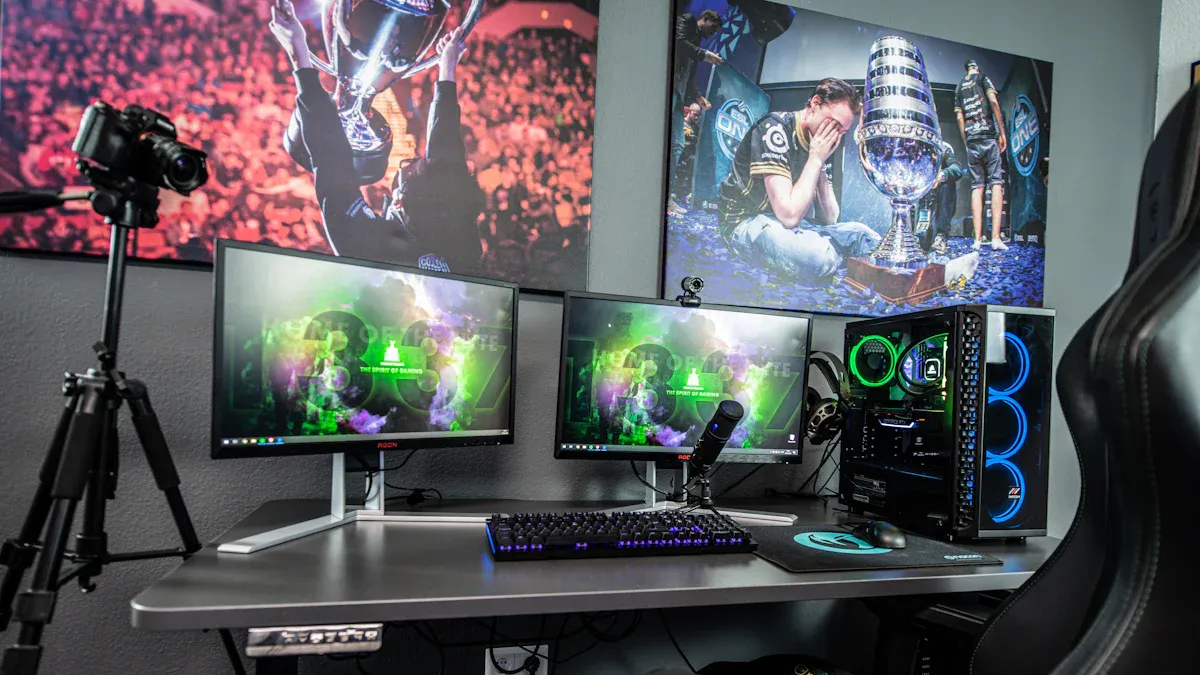
You should pick an hdmi encoder for streaming that fits your needs. Check if it has high resolution and fast frame rates. Make sure it has a strong connection. The market for HDMI encoders is getting bigger, as you can see here:
Year | Market Size (USD) | CAGR (%) |
|---|---|---|
2024 | 2,090 million | N/A |
2025 | 2,260 million | N/A |
2035 | 5 billion | 8.3 |
Professional streamers like devices with low latency. They also want high-resolution support and the ability to handle network changes. You should think about future-proofing and compatibility too. Good brands like [https://www.orivisiontech.com/] have reliable choices for streaming now and later.
Pick an HDMI encoder that fits your streaming needs. Think about the picture quality and how many frames show each second.
If you stream live events, you need low delay and clear pictures. High resolution is important for professional streaming.
HDMI and SDI encoders are different. HDMI works best at home. SDI is better for pro setups.
You can choose hardware or software encoders. Your choice depends on your money and what you need. Hardware encoders are more reliable.
Try to get encoders that work with 4K and more than one channel. This helps your setup last longer.
Make sure your encoder has good ways to connect, like Ethernet. It should have different output protocols for smooth streaming.
Choose a brand people trust. Read reviews and check for good customer support. This helps you get updates and fixes.
Make sure your encoder works with your devices and streaming sites. This stops problems when you set it up.
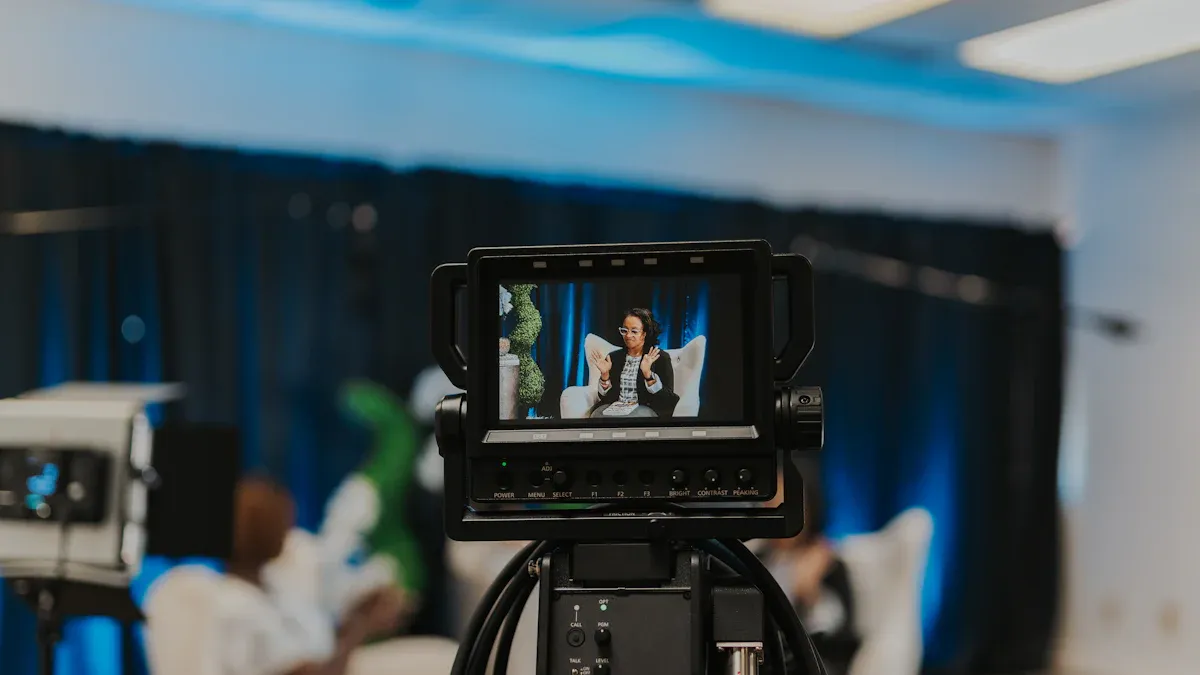
An HDMI encoder changes video and audio from an HDMI source into a digital format. This lets you stream the content online. You can use it with cameras, computers, or gaming consoles. Just connect your device with an HDMI cable. The encoder makes the signal smaller so it can go online easily. You do not lose much quality when you send it. Many people use an hdmi encoder for streaming because it works with most electronics.
Tip: To share good video online, pick an encoder that matches your resolution and frame rate.
A live streaming encoder takes video and audio from your device. It changes them into a format that streaming sites can use. You plug your camera or computer into the encoder. The encoder makes the data smaller and sends it to a platform like YouTube or Twitch. This lets people watch you live. You can change settings for resolution, bitrate, and sound quality. Some encoders let you stream to more than one site at the same time. A good hdmi encoder gives you smooth video and clear sound.
Connect your device to the encoder.
The encoder makes the signal smaller and changes it.
The encoder sends the stream to your platform.
You may wonder how HDMI encoders are different from SDI encoders. Both send video and audio for streaming, but they are not the same.
Feature | HDMI | SDI |
|---|---|---|
Usage | Consumer electronics | Professional video gear |
Distance | Shorter distances | Long-distance transmission |
Connection Type | Standard connectors | Locking connectors |
Signal Quality | High-quality audio and video | High-quality, uncompressed signals |
Application | General use | Broadcasting and live events |
SDI encoders give you very good video for professional use. They have locking connectors, so cables do not unplug by accident. SDI is good for sending signals far away and works with top SDI equipment. HDMI encoders are used more in homes and schools. They are best for short cables and simple streaming.
SDI is made for pro use, like live events and broadcasting.
HDMI is used more at home and is better for short distances.
SDI has safe connections and does not lose signal over long cables.
Pick an encoder that fits your streaming setup. If you stream from a studio or big event, SDI may be better. For home or classroom streaming, HDMI is usually enough.
There are two main types of encoders for streaming. One is a hardware encoder, and the other is a software encoder. A hardware encoder is a real device you can hold. You plug your camera or computer into it. It does all the work to change video and audio. A software encoder is a program you put on your computer. It uses your computer’s CPU to process video and audio. Then it sends the stream to your platform.
Here is a table that shows how hardware and software encoders are different:
Feature | Software Encoders | Hardware Encoders |
|---|---|---|
Encoding Speed | Variable, depends on CPU | Consistently high |
Reliability | Can crash or slow down | Highly reliable |
Resource Usage | High, uses computer CPU | Low, dedicated processing unit |
A hardware encoder works by itself. It does not make your computer slow. A software encoder uses your computer’s power. If you run other programs, your computer might get slower.
It is important to know the good and bad sides before you pick a hardware encoder.
Pros:
Gives you very low latency for live streaming.
Stays stable for long events.
Has its own processor, so your computer can do other things.
Hardly ever crashes or stops working.
Cons:
Costs more money than most software encoders.
May not let you change as many settings.
Needs space and must be set up.
Tip: If you want a streaming encoder you can trust for big events, a hardware encoder is a smart choice.
Pick a hardware encoder if you need your stream to stay smooth. Hardware encoders are best for pro broadcasts, sports, and big meetings. You can count on them to work for a long time without stopping. Software encoders are good for simple streams or if you want more control. If your computer is busy, software encoders can slow down or crash. This can make your stream lag.
Use a hardware encoder for events that must not have problems.
Pick a software encoder for easy setups or to save money.
Hardware encoders give you low latency and steady streaming for long times.
Software encoders can have higher latency if your computer is busy.
Choose the encoder that fits what you need. If you want the fastest and most reliable stream, a hardware encoder is best.
You want your viewers to see clear and smooth video. The best encoder lets you pick the resolution and frame rate. Most pro streams in 2026 use at least 720p. This is the lowest for good video. Many people want even better, like 1080p or 4K. Frame rate is important too. For online videos, 30 FPS is enough. Gaming and sports need 60 FPS for fast and smooth action. Look at the table below to see the difference:
Scenario | Recommended FPS | Why? |
|---|---|---|
Online Videos | 30 FPS | Works well and looks clear |
Gaming & Sports | 60 FPS | Makes action smooth and quick |
Check if your hdmi encoder for streaming can do these levels. High resolution and frame rate make your stream look better. Your viewers will see the difference. If you want your setup to last, get an encoder that does 4K or more. This helps you keep up as tech gets better.
Tip: Match your resolution and frame rate to what you stream. Fast action needs higher FPS. Talking or teaching videos can use lower FPS.
Your encoder must connect well to many devices and sites. Look for features that make setup easy and strong. The table below shows key ways to connect hdmi encoder devices:
Description | |
|---|---|
HDMI HDCP Inputs | Lets you use many HDMI types, even with HDCP. |
Licensed HDMI Inputs | Lets you use licensed HDMI sources. |
IPTV Output Unicast or Multicast | Works with IGMP UDP, RTP/RTSP for IPTV. |
Output Protocols | Has RTMP, HTTP, HLS over RJ45 for many sites. |
Wi-Fi | Lets you move your setup but may lose signal. |
Ethernet | Gives a steady connection, great for pro use. |
Ethernet is the most steady way to connect. Wi-Fi lets you move fast but can drop out. HDMI HDCP inputs let you use more devices, even with protected content. Output protocols like RTMP and HLS help you stream to many places at once. These features make your encoder ready for any job.
Note: If you want to stream to many sites, pick an encoder with lots of output options. This helps you stream more and saves time.
Your encoder should work with many streaming sites. Supported streaming protocols decide where you can send your video. The best encoder works with RTMP, HTTP, and HLS. RTMP is good for YouTube and Twitch. HLS helps you reach phones and smart TVs. Some encoders also work with IPTV for special networks.
Check if your hdmi encoder supports these protocols. This makes your setup more flexible. You can stream to more places and reach more people. Protocol support also helps your stream look better. If your encoder works with many protocols, you can switch sites easily and keep your stream strong.
Tip: Pick an encoder that works with the protocols your viewers use. This makes sure everyone can watch your stream without trouble.
You want your HDMI encoder to handle more than one video stream at the same time. Multi-channel support lets you stream from several cameras or sources. You can show different angles during a sports game or switch between speakers at a conference. This feature helps you create a professional-looking broadcast.
Many encoders in 2026 offer 4K support. 4K means your video looks very sharp and clear. Viewers see more detail, which makes your stream stand out. If you stream concerts, sports, or gaming, 4K gives your audience a better experience. You can also future-proof your setup by choosing an encoder that supports 4K. More people now have 4K screens at home, so your stream will look good for years.
Tip: If you plan to grow your channel or cover big events, pick an encoder with multi-channel and 4K support. You will not need to upgrade soon.
Here is a table to help you see the benefits:
Feature | What It Does | Who Needs It |
|---|---|---|
Multi-Channel | Streams from many sources at once | Events, conferences, sports |
4K Support | Ultra-clear video quality | Gaming, concerts, future-proof setups |
You can switch between cameras or show different scenes. You can also record and stream at the same time. Multi-channel support saves you time and makes your stream look more professional. 4K support keeps your video sharp and ready for new technology.
You need good sound for a great stream. Audio integration means your encoder can handle sound from microphones, mixers, or other devices. You can connect your audio source directly to the encoder. This makes setup easy and keeps your sound in sync with your video.
Some encoders let you mix audio from different sources. You can add music, voice, or sound effects. You can also control the volume and balance. Good audio integration helps your viewers hear every word and sound clearly.
Connect microphones or mixers to your encoder.
Mix and adjust sound for your stream.
Keep audio and video in sync.
Note: Clear audio makes your stream more enjoyable. Bad sound can make viewers leave, even if your video looks great.
If you stream classes, events, or games, you need strong audio features. Look for encoders with built-in audio mixing and support for professional microphones. You can also check if the encoder supports advanced audio formats for better quality.
You want an encoder from a trusted brand. Good brands offer reliable products and strong support. They update their devices to work with new streaming platforms. You can find reviews and ratings online to help you choose.
Orivision is a well-known brand for HDMI encoders. You can visit [https://www.orivisiontech.com/] to see their products. They offer encoders with multi-channel, 4K, and strong audio support. You can also get help from their support team if you have questions.
Tip: Pick a brand with a history of quality and innovation. You will get better updates and support.
Here are things to check when looking at brands:
Product reviews and ratings
Warranty and support options
Updates for new features
Customer service quality
A good brand helps you stream without problems. You can trust their devices to work well for years. You also get help if you need it.
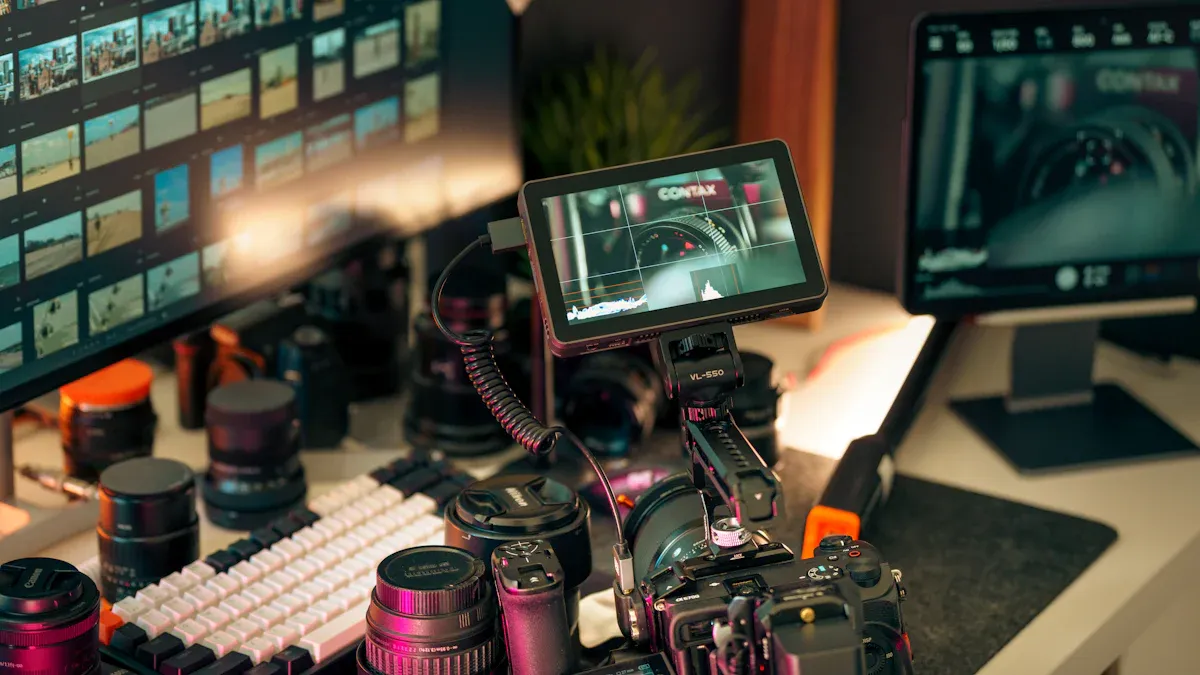
If you stream games or esports, your video should look clear. Your stream should not lag or freeze. Low latency is very important for gaming streams. Fast response keeps your game and voice together. Viewers want to see action right away with no delay. You also need chat and overlays to talk to your fans. These tools help you grow your channel and keep people watching.
Modern hardware encoders like NVIDIA’s NVENC help you stream in high quality. They do not slow down your games. If you have an NVIDIA graphics card, you can use NVENC for great results. Intel’s QuickSync works well if you use built-in graphics. AMD’s AMF/VCE is best for AMD graphics cards. These choices give you smooth video and keep your computer fast.
Low latency helps your stream match your gameplay.
Overlays and chat let you talk to your viewers.
Hardware encoders like NVENC, QuickSync, and AMF/VCE give you good streams without slowing your computer.
Pick an hdmi encoder for streaming that works with these tools. This helps your viewers enjoy your stream with no problems.
You can make online classes easy to watch with the right encoder. Most schools do not need 4K video for lessons. A 1080p resolution at 30 FPS is good for teaching. This keeps your video clear and simple to follow. You can use a hardware encoder or a software encoder for your setup.
Resi’s Mini Encoder (HDMI version) is a good choice for schools. It costs about $699.99 and works with most cameras. You set it up once and it runs every class. You do not need to log in or update it each time. This makes it great for school streaming. You do not have to worry about crashes or hard settings.
1080p at 30 FPS is fine for most classes.
Good encoders work every time with no extra steps.
You can use regular cameras and gear.
Look for features that make streaming simple and steady. This helps teachers and students have a good learning time.
You need a strong setup for live events and meetings. A hardware encoder like the Falcon Live Streaming RTMP Encoder is a good pick. It is made for short streams like conferences or town halls. You can use it with Facebook Live, YouTube Live Events, Twitch, and UStream.
Feature | Description |
|---|---|
Encoder Type | Falcon Live Streaming RTMP Encoder |
Purpose | Designed for time-limited streaming events like conferences or town halls |
Compatibility | Works with Facebook Live, YouTube Live Events, Twitch, UStream, and more |
Output | Sends RTMP or RTMPS stream from a streaming media encoder |
You need a video encoder to change your camera feed into a digital stream. This can be a hardware or software encoder. The encoder must send RTMP or RTMPS streams to work with big platforms. A reliable encoder makes sure your viewers do not miss anything important.
Pick an hdmi encoder that fits your event’s needs. This helps you give a smooth and pro stream every time.
You want to connect with your community. Streaming lets you share events and services with people at home. HDMI encoders make this simple for churches and nonprofits.
You need a device that works every time you use it. Many volunteers help with streaming. You want easy buttons and clear steps. A good encoder lets you start with just one button. You do not have to learn hard programs.
Tip: Pick an encoder with easy controls. Volunteers can learn fast and make fewer mistakes.
It is important that your stream does not stop. Hardware encoders are good for long streams. They do not crash or freeze. You can trust them for big moments.
Nonprofits and churches must watch their money. You want a good deal. Some HDMI encoders cost less but still give clear video and sound. Some brands give discounts to nonprofits. You can ask sellers about special prices.
Accessibility helps you reach more people. Many encoders let you add closed captions. You can put subtitles for people who cannot hear well. Some devices let you stream to Facebook, YouTube, and your website at once. This helps you get more viewers.
Here is a table to help you compare features:
Feature | Why It Matters | What to Look For |
|---|---|---|
Simple Controls | Easy for volunteers to use | One-button start, clear labels |
Reliability | No interruptions during services | Hardware encoder, stable power |
Budget-Friendly | Fits nonprofit budgets | Entry-level models, discounts |
Accessibility | Reaches more viewers | Closed caption support, multi-platform streaming |
Audio Integration | Clear sound for music and speech | Mic inputs, audio mixing |
You can use HDMI encoders for many things:
Weekly worship services
Fundraising events
Community outreach programs
Special ceremonies
You help more people join your group. You make your message stronger. You grow your community.
Note: Ask your seller about training and support. Good brands help you set up and fix problems fast.
Streaming with HDMI encoders gives you new ways to connect. You can share hope, help, and learning with everyone.
You must make sure your HDMI encoder works with your devices. Some encoders need special cables for high-quality video. For 5K and HDR, you need at least 18 Gbps. If you want 4K at 60 FPS, you need 10.2 Gbps. Your Ethernet ports must match what the encoder needs. Some encoders use CAT5e cables for DM NVX over 1000BASE-T. You cannot plug Ethernet into DM ports on other gear. USB is important too. You can use a USB device or a USB host, but not both. Not every USB product will work with every encoder.
Issue | Details |
|---|---|
Cable Bandwidth | Minimum 18 Gbps for 5K/HDR; 10.2 Gbps for 4K60 or 4K30. |
Ethernet Compatibility | Use CAT5e for DM NVX over 1000BASE-T; do not connect to DM ports. |
Interoperability | Not compatible with DM NVX Software now; future updates may help. |
USB Compatibility | Connect USB device or host, not both; not all USB products supported. |
Always check the specs before you buy anything. This helps you avoid problems when setting up your stream.
Your network setup changes how well your stream works. Wired Ethernet is the fastest and most steady. This is best for 4K streaming because it keeps video smooth. Wi-Fi is good if you cannot use cables, but it can drop or slow down. Mobile networks let you stream where there is no Wi-Fi or Ethernet. The speed can change, so your video may not always look great. Advanced protocols like SRT, Zixi, and RIST help fix lost data and keep latency low. These tools make your stream more reliable, even on public networks.
Network Connectivity Option | Description | Impact on Streaming Reliability |
|---|---|---|
Wired Ethernet | Fast and stable. Best for 4K streaming. | Keeps your real-time streaming smooth. |
Wi-Fi | Good if you cannot use cables. | May drop or slow down your video. |
Mobile Networks | Use when no Wi-Fi or Ethernet is available. | Lets you stream anywhere, but speed varies. |
Advanced Protocols | SRT, Zixi, RIST fix lost data, lower latency. | Make streaming more reliable. |
Pick the network that fits your needs best. Wired Ethernet is best for big events. Wi-Fi and mobile networks are good for quick setups.
You can reach more people by using cloud services and CDNs. You need to set up your encoder to talk to the CDN’s servers. This often means using API keys, tokens, or IP whitelisting. You must set up the origin server to handle CDN requests and keep your stream safe. CDNs use edge servers to store your content in many places. This lowers latency and gives viewers a better stream. You should also check your bandwidth and make your content work for different regions. This helps you stream to people all over the world.
Set up your encoder to connect with CDN servers.
Use API keys or tokens for authentication.
Set up the origin server for security.
Use edge servers to store content and lower latency.
Make sure your bandwidth is good for global streaming.
These steps help you give high-quality streams to everyone. You can use these features to grow your channel and reach more people.
When you shop for a streaming solution, you will see entry-level and professional encoders. Each one is made for different people and budgets. Here are the main ways they are not the same:
Streaming Quality: Professional encoders give you better video and sound. Your stream looks smooth and clear. This is important for big events or work.
Mobility: Entry-level choices, like small hardware encoders or phone apps, are good if you need to move around. They are light and easy to carry.
Budget: Software encoders usually cost less money. Hardware encoders cost more but work better and last longer.
Technical Expertise: Some encoders are easy to use. Others need more tech skills. Entry-level models often have simple controls.
Tip: Think about what you want most. If you just want to stream for fun or small things, an entry-level encoder is fine. If you want pro results, pick a hardware encoder.
You should think about more than just the price when you buy an hdmi encoder for streaming. The total cost of ownership means more than the first payment. You should think about how many times you will use the encoder each year. Good equipment saves you money because it works well and does not break a lot. If your encoder stops working during something important, you could lose viewers or hurt your reputation. Figure out the cost for each event and think about how much you want smooth, easy streaming.
Note: Paying more at first can save you money later if the encoder lasts longer and works better.
You should buy your encoder from a place you trust. Here are some good places to find quality streaming gear:
Source | Description |
|---|---|
AVI-SPL | Sells many kinds of encoders and decoders. |
Contemporary Research | Has IPTV encoders and lots of info about their products. |
Markertek | Offers many HD transcoders and QAM encoders. |
You can also go to Orivision’s website to see many encoders. They have good support and new products. Always read reviews and ask about warranties before you buy. This helps you get the best deal and makes sure your streaming setup will last.
You want your streaming setup to last a long time. If you pick an encoder that works with 4K and 8K, you will be ready for the future. Many new cameras and game consoles can make 8K video now. Some TV channels, like NHK, already show live 8K video. Big events, like the Olympics, plan to use 8K too. A few countries have started streaming in 8K. New codecs help you send good video without using a lot of data. You should get an encoder that can use these new formats. This will make your streams look clear as technology gets better.
8K cameras and encoders are easier to find now.
More movies and TV shows are made in 8K.
Game consoles from Microsoft and Sony can do 8K.
8K live channels and events are becoming more popular.
New codecs let you stream great video with less data.
Tip: Choose an encoder that works with today’s and tomorrow’s video standards. This keeps your setup ready for new things.
You can keep your streaming gear new by picking products you can upgrade. Some encoders let you add features with firmware updates. Others let you control them from any web browser. Some models work with many input formats, like MPEG-2 or H.264, and go up to 1080p. High-density chassis can hold lots of channels, which is good for big setups.
Feature | Description |
|---|---|
Remote Control | You can manage and check from any web browser |
Firmware Upgrade | Add new features with remote updates |
Input Formats | Use MPEG-2 or H.264 up to 1080p with different inputs |
Modularity | Add up to 28 channels per chassis for large streaming setups |
Some encoders can use up to 12 HDMI sources at once. They also work with different broadcast standards, like QAM, ATSC, DVB-T, and ISDB-T. This makes it easy to change your setup if you need to.
Note: Modular encoders save money over time. You can add or change parts instead of buying a new system.
You should pick a brand that keeps making its products better. Top brands give you new features and good support. For example, Kiloview’s NDI series lets you encode and decode video for better streaming. Extron’s NAV E 121 streams 4K video with very little delay and high quality. These brands make their products easy to upgrade and use with new tech.
Brand | Product Name | Features |
|---|---|---|
Kiloview | N604K HDMI All-in-One Encoder/Decoder NDI 6.2 | Advanced NDI encoding and decoding |
Kiloview | N40/N40 Plus4K HDMI NDI Converter | Changes HDMI to NDI and supports 4K |
Extron | NAV E 121 | Very low delay, clear 4K/60 streaming |
Extron | NAV Series | PURE3 codec for real-time, lossless video |
Kiloview and Extron make their products easy to upgrade and ready for the future.
These brands give you updates and support to keep your streaming setup working well.
Tip: Pick brands that update their products often and try new ideas. This helps your hdmi encoder stay useful as streaming changes.
You can pick the best HDMI encoder for streaming by using easy steps. First, write down what you need. Then, read reviews to see if other people had good results with the same goals. Look at the table below to compare features and make sure the encoder will work now and later:
Feature | Importance for Compatibility and Future Trends |
|---|---|
Compliance with H.264/H.265 | Ensures integration with current streaming platforms |
Support for RTMP/SRT/RTSP | Facilitates seamless streaming capabilities |
Resolution (1080p@60fps or 4K@30fps) | Future-proofs the encoder for high-quality video |
HDR Compatibility | Enhances visual quality for future content standards |
Do not just pick the cheapest one or forget about growing your setup. Make a list of good brands like Orivision. Ask for a demo or help before you buy.
HDMI encoders work with things at home. SDI encoders connect to pro video gear. SDI uses longer cables and has locking connectors. HDMI is better for short cables and easy setups.
Most HDMI encoders work with cameras that have HDMI output. Check your camera’s port and the encoder’s input before you buy.
You do not always need hardware. Hardware encoders are more reliable and have less delay. Software encoders are good for simple streams or small budgets.
Plug the encoder into your router with an Ethernet cable. Some encoders can use Wi-Fi. Put your streaming platform info in the encoder’s menu.
Look for RTMP, HLS, and SRT. These help you stream to YouTube, Twitch, and other sites. More protocols give you more choices.
Some encoders let you update firmware or add new features. Modular models let you add more channels or inputs. Always check upgrade options before you buy.
Go to the brand’s website for support. Many companies have live chat, email, or phone help. You can also look at user manuals or online forums for tips.


