
Views: 0 Author: Site Editor Publish Time: 2026-01-23 Origin: Site


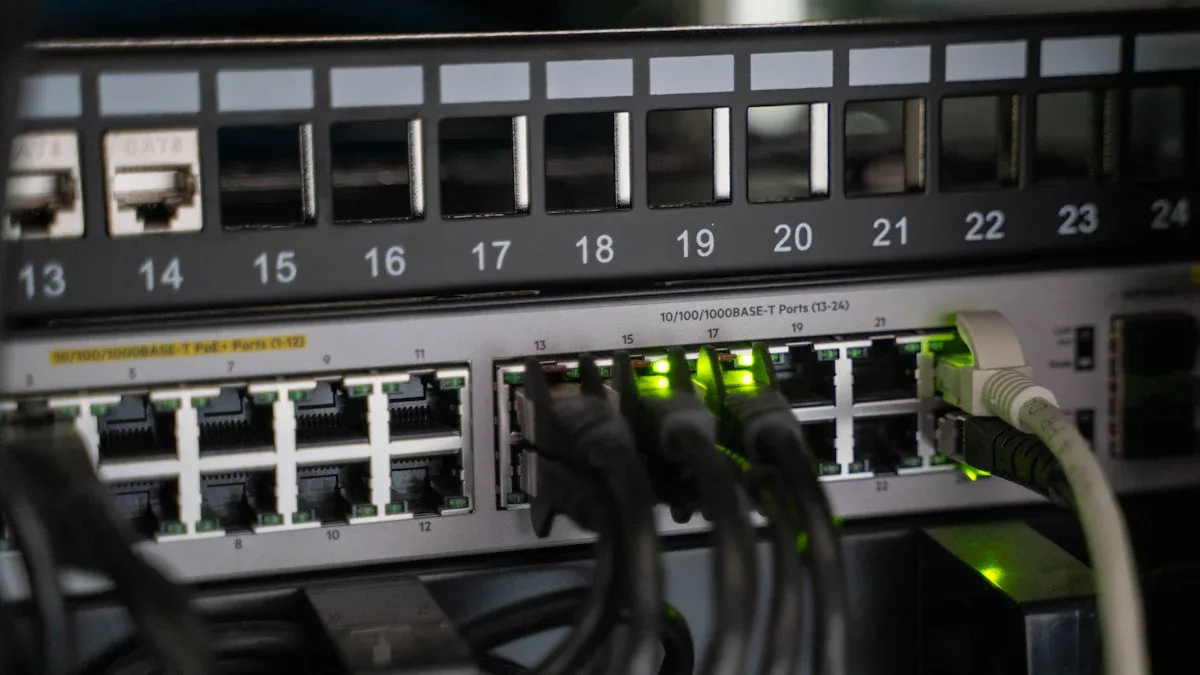
You can find HDMI encoders and decoders in lots of places. These devices change HDMI signals so video goes to different screens or systems. HDMI encoders and decoders let you connect old cameras to new networks. They also mix analog and digital sources. They help control video from many kinds of equipment. You see HDMI solutions in restaurants, shopping malls, control rooms, and security systems. HDMI Encoders & Decoders: 3 Typical Application Scenarios You Need to Know explains how these tools make video sharing easier in many jobs.
HDMI encoders and decoders make video streaming easier in places like restaurants and sports bars. They help show clear, high-quality videos on many screens.
Digital signs in malls use HDMI technology. This lets videos play smoothly and makes it easy to control what is shown from one spot.
In security systems, HDMI encoders help old cameras work with new networks. This makes watching over places better without buying new cameras.
With HDMI over IP technology, you can send video far away using network cables you already have. This saves money and lets you change things more easily.
HDMI encoders and decoders make video calls better by letting devices work together easily. They make sure video and sound are clear for people talking from different places.
When you go to a restaurant or sports bar, you might see many TVs. These places use HDMI encoders and decoders to show live video on all the screens. You can watch sports games on big TVs, and the picture looks clear. The HDMI encoder takes video from a camera or satellite box. It sends the video over the network. The decoder gets the signal and puts the video on each TV.
HDMI encoders and decoders let you pick what plays on each TV from one place.
You do not need as many receiver boxes, so you save money and space.
HDMI/DVI matrix switches help you show different games on different screens.
Networked AV systems use IP-based streaming, so you can add more screens or change things easily.
You get great video quality, even when many people are watching. The system works with Full HD and 4K Ultra HD, so you see every detail. Compression like HEVC and H.264/H.265 keeps the video smooth and uses less data. You can stream to many platforms at the same time, which is good for sharing with more people. Low latency means you see the action almost right away.
Feature | Description |
|---|---|
High-Definition Video Quality | Shows Full HD (1080p) and 4K Ultra HD for a great view. |
H.264/H.265 Compression | Uses smart compression to send data better. |
Multiple Platform Streaming | Streams to many platforms at once. |
Low Latency | Keeps delay short for live events. |
Robust Connectivity | Works with lots of streaming protocols and platforms. |
Versatile Inputs/Outputs | Handles many HDMI inputs and different outputs. |
Centralized Management | Easy software control for live streaming. |
You also see HDMI encoders and decoders in malls and public places. Big screens show ads, news, or directions using digital signage. HDMI encoders change video settings like resolution and frame rate. This gives you smooth, high-definition video. Compression like HEVC makes the video files smaller, so you use less data and storage.
HDMI encoders work with many protocols and formats, like RTMP, SRT, H.264, and H.265. This helps you connect to different streaming servers and platforms.
You can add things like text, crop the video, or use face recognition. These features make digital signs more fun and useful.
HDMI decoders get the video and show it on screens all over the mall or public area.
AV over IP technology changes how you handle audio and video. You can use regular network switches to add lots of screens. Ethernet wiring costs less than old cables, so you save money. You can control all the screens from one place, so it is easy to change what shows or make zones.
Advantage | Description |
|---|---|
Scalability | Add new sources and screens without new wires. |
Cost-effectiveness | Save money with Ethernet wiring and software updates. |
Flexibility | Control sources and screens from one place. |
Reliability | Watch and update the system from far away to fix problems fast. |
HDMI encoders and decoders make digital signage easy to use and dependable.
You can check the system from far away and fix issues fast.
You get better video and use less data.
HDMI encoders and decoders are important for security systems. HDMI encoders change old camera video into digital streams. This lets you use old cameras with new, IP-based networks. You do not have to buy new cameras. HDMI decoders take the digital video and show it on screens for security workers.
HDMI encoders help old cameras work with digital security systems.
HDMI decoders show digital video on screens.
You can use video analytics to watch in real time.
Compression like HEVC saves data and storage space.
You get better video and save room for recordings.
You can check cameras from anywhere with remote monitoring.
HDMI encoders and decoders help you build flexible and affordable security systems. You can upgrade your security without buying all new cameras. You get better video and save storage space. HDMI decoders make it easy to watch live video and act fast if something happens.
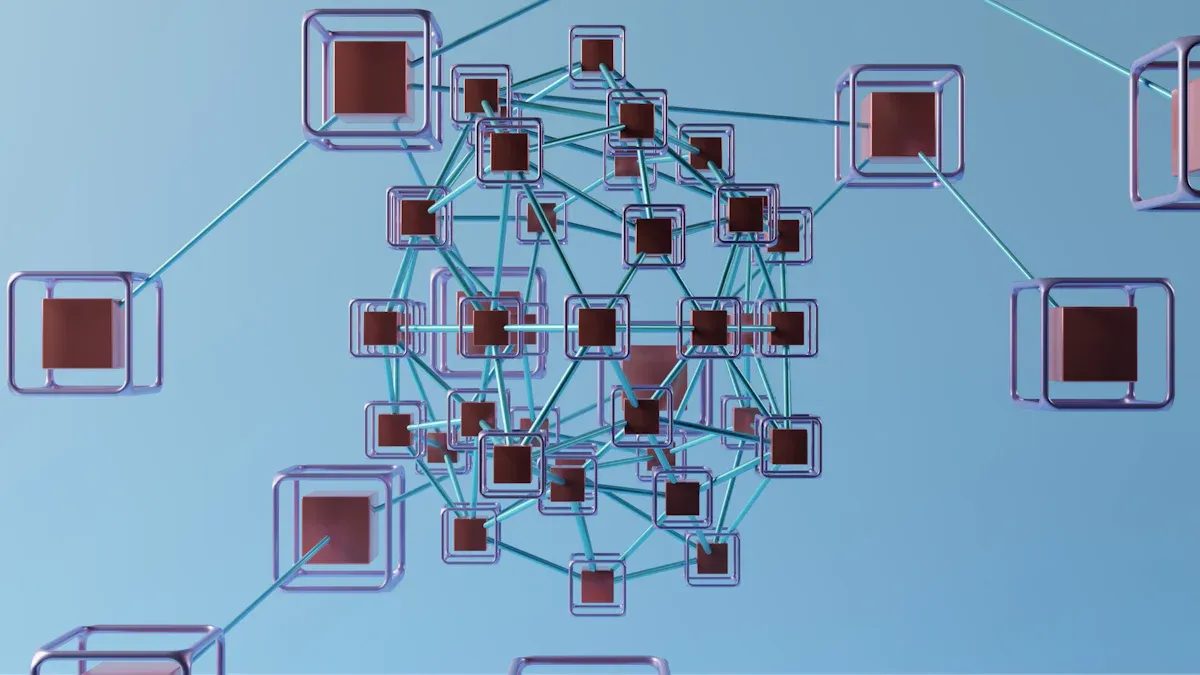
HDMI over IP helps you send video to many screens. You can use network cables you already have. This connects screens in different rooms or buildings. You do not need to run long HDMI cables everywhere. You can choose where to put screens. You can move them if you need to change things later.
Tip: HDMI over IP sends signals up to 150 meters with one CAT cable. This helps cover big places like schools, offices, or event halls.
Feature | Description |
|---|---|
Extended Range | HDMI over IP sends signals up to 150 meters with one CAT cable, so you can be more flexible. |
Cost-Effective Solution | You use your LAN cables, so you spend less money than with HDMI cables. |
Flexibility and Scalability | Ethernet cables are easy to move, so they work in many places. |
Multiple Device Support | You can connect and control many devices at the same time, so it is easier to share video. |
Ethernet switches help send video to the right screens. They use special network rules to do this. Multicast channels and IGMP protocols let you send many video streams at once. This does not slow down your network.
HDMI encoders and decoders help you set up many screens. You can switch video sources and pick what shows on each screen. The DM-NVX-384 works as both encoder and decoder. This makes it easy to build flexible systems. You can make video walls with up to 64 screens. You can send real-time 4K60 video for meetings or presentations.
Feature | Description |
|---|---|
Encoder and Decoder Functionality | The DM-NVX-384 works as a network AV encoder or decoder, so you can set up many screens. |
Video Wall Processing | You can use up to 64 screens, so you can make big video walls. |
Real-Time 4K60 Video Distribution | You get smooth video for things like presentations and videoconferencing. |
You get fast switching and smooth video. This is good for live events or classrooms. You can control all screens from one place. This makes it easy to manage everything.
Video walls use HDMI encoders and decoders to show many things at once. You can put news, maps, or security feeds on a big wall of screens. These systems handle many video streams and set up the layout by themselves. Low-latency decoding keeps the video in sync. This is important for control rooms.
Feature | Benefit |
|---|---|
Multi-Source Compatibility | You can show streams from different sources at the same time. |
Multi-Stream Processing | The system handles many streams, so it works well for big video walls. |
Video Wall Processing | It manages layout and switching inside the system, so you do not need extra controllers. |
Low-Latency Decoding | You see video right away, which is important for urgent jobs. |
High Dynamic Range (HDR) | You get better colors and contrast, so details look clearer. |
Failover and Redundancy | Backup systems keep things working if something goes wrong. |
You can trust these systems for important jobs. They help with things like watching traffic or running public displays. The video looks great and backup features keep everything working well.
You use set-top boxes and media streamers to watch TV and movies. These devices need hardware hdmi decoders for good video. The decoder takes compressed video streams from the encoder. It changes them into formats that work with your TV or projector. This step is important for IPTV and OTT platforms. It lets you watch high-definition video without delays or problems.
Hardware hdmi decoders work with many kinds of video encoding, like hevc. Hevc makes video files smaller but keeps the picture sharp. You get smooth playback and clear images, even when streaming over a network. The decoder supports different resolutions. You can watch in Full HD or 4K. You do not have to worry about compatibility. The hardware hdmi decoder handles many formats.
Note: Hardware hdmi decoders let you watch live sports, movies, and news when you want. You get instant access to high-quality video content.
You want your video to look good and play smoothly. Hardware hdmi decoders help make this happen. They decode high-definition video streams and send them to your screen. The decoder works with hevc and other smart compression methods. You get high-quality video with less buffering.
Many IPTV and OTT services use hardware hdmi encoders and decoders together. The encoder compresses the video and sends it online. The decoder gets the stream and changes it back to high-definition video. This keeps the video sharp and reduces lag. You can watch shows in real time. The colors look bright and clear.
Feature | Benefit |
|---|---|
Hevc Compression | Smaller files, better quality |
High-definition Video | Crisp images, vivid colors |
Hardware hdmi Decoder | Fast decoding, smooth playback |
Hardware hdmi Encoder | Efficient video encoding for streaming |
Multi-format Support | Works with many video sources |
You get reliable performance with hardware hdmi decoders. They support high-definition video and hevc. You enjoy high-quality video every time you stream. The decoder makes sure your viewing experience is always great.
You want your surveillance system to work well and save space. An hdmi hevc encoder helps you do this job. The hdmi hevc encoder uses hevc to shrink video files. This lets you send high-definition video over your network. You do not use too much bandwidth. You can also keep more video on your hard drives.
When you use an hdmi hevc encoder, you save a lot of bandwidth. The table below shows how much you can save:
Encoder Model | Bandwidth Savings |
|---|---|
MGW ACE HEVC Encoder | Up to 50% savings |
ProHD BR-EN900 | Up to 50% savings |
The hdmi hevc encoder lets you store video for longer times. You do not have to worry about running out of space. The hevc format makes video files smaller but keeps the images clear. This is important for surveillance systems that need to keep records for many days.
hdmi hevc encoder shrinks high-definition video.
You keep more video on small drives.
You send video over networks and keep good quality.
You save high-resolution video for later.
You need to watch live video as things happen. The hdmi hevc encoder supports real-time encoding. You see events with low delay. The hdmi hevc encoder works with your decoder to show video on your screens fast.
You can trust the hdmi hevc encoder for live video. It gives you smooth playback and sharp pictures. The encoder and decoder work together so you do not miss anything. You can check your video from anywhere, even on remote devices. The hdmi hevc encoder helps keep your surveillance system safe and strong.
The hdmi hevc encoder also helps you store video safely. You can keep your video for later playback. The hevc format lets you save many hours of video without using too much space. You get both good quality and smart storage in your surveillance system.
You can make your meeting room smarter with HDMI encoders and decoders. These devices let you connect laptops, cameras, and other things for video calls. You do not need a hard setup. Just plug in your devices and start the meeting. The Lemorele P10 gives you a wireless way to connect. Put the receiver by the screen and the transmitter near your laptop. The system connects by itself, so you save time. You get clear pictures and a neat meeting room with good cable control. Use a safe 5GHz Wi-Fi for a strong connection. The P10 saves money because you do not need extra gear.
HDMI encoders and decoders make video calls simple. You can switch between devices and share things with everyone. The table below shows how these devices help your meeting room:
Feature | Benefit |
|---|---|
Seamless integration | Connect many video sources for better teamwork. |
Low-latency streaming | Keep delays short for live video calls. |
Flexible control options | Manage devices from anywhere in the room. |
You can work with teams in other places using HDMI encoders and decoders. These devices send good video and sound to far away locations. You get clear talks and smooth video calls. Ultra-low delay keeps your chat in real time. You can control devices in other places, which helps you work better. HDMI encoders and decoders use your current network, so you do not need new wires. Safe network isolation keeps your video calls private. Quality of Service (QoS) makes sure important calls come first.
The table below shows how HDMI encoders and decoders help teams in different places:
Functionality | Benefit |
|---|---|
High-quality video and audio transmission | Clear talks for remote video calls. |
Low-latency streaming | Real-time chats for better teamwork. |
Control of remote devices | Manage devices from other places. |
Integration with existing network resources | Use your current setup and save money. |
Secure Network Isolation | Keep your video calls safe. |
Quality of Service (QoS) | Important meetings and calls come first. |
You get steady video calls in meetings with people in many places. AVCiT ASE technology gives you very low delay and clear pictures. HDMI encoders and decoders help you share things with teams far away. You can join events and meetings in many places without trouble.
You have learned how HDMI encoders and decoders help with live streaming, digital signs, security, and video calls. These tools make it easy and cheap to show video in many places. Lots of schools and clubs use them for better teamwork and control. Industry rules let you connect to other systems. If you want to know more, look at these links:
Criteria | What to Look For |
|---|---|
Input/Output | HDMI, SDI, IP stream support |
Codecs | H.264, H.265, AAC, MP3 |
Resolution & Frame Rate | 1080p or 4K@30fps |
An HDMI encoder changes video from a camera or device into a digital stream. An HDMI decoder takes that stream and shows it on a screen. You use both to send video over networks.
Yes, you can use them for live events. They help you send video to many screens with low delay. You get clear pictures and smooth playback, even in big places.
You can connect both old and new devices. HDMI encoders support many input types. You can use them with analog cameras or modern digital sources.
You can send HDMI signals up to 150 meters with one CAT cable. Using network switches, you can cover even larger areas like schools or offices.
Most HDMI encoders and decoders are easy to set up. You just plug in your devices and follow simple steps. Many systems offer software for easy control.


